
Educators
Live session
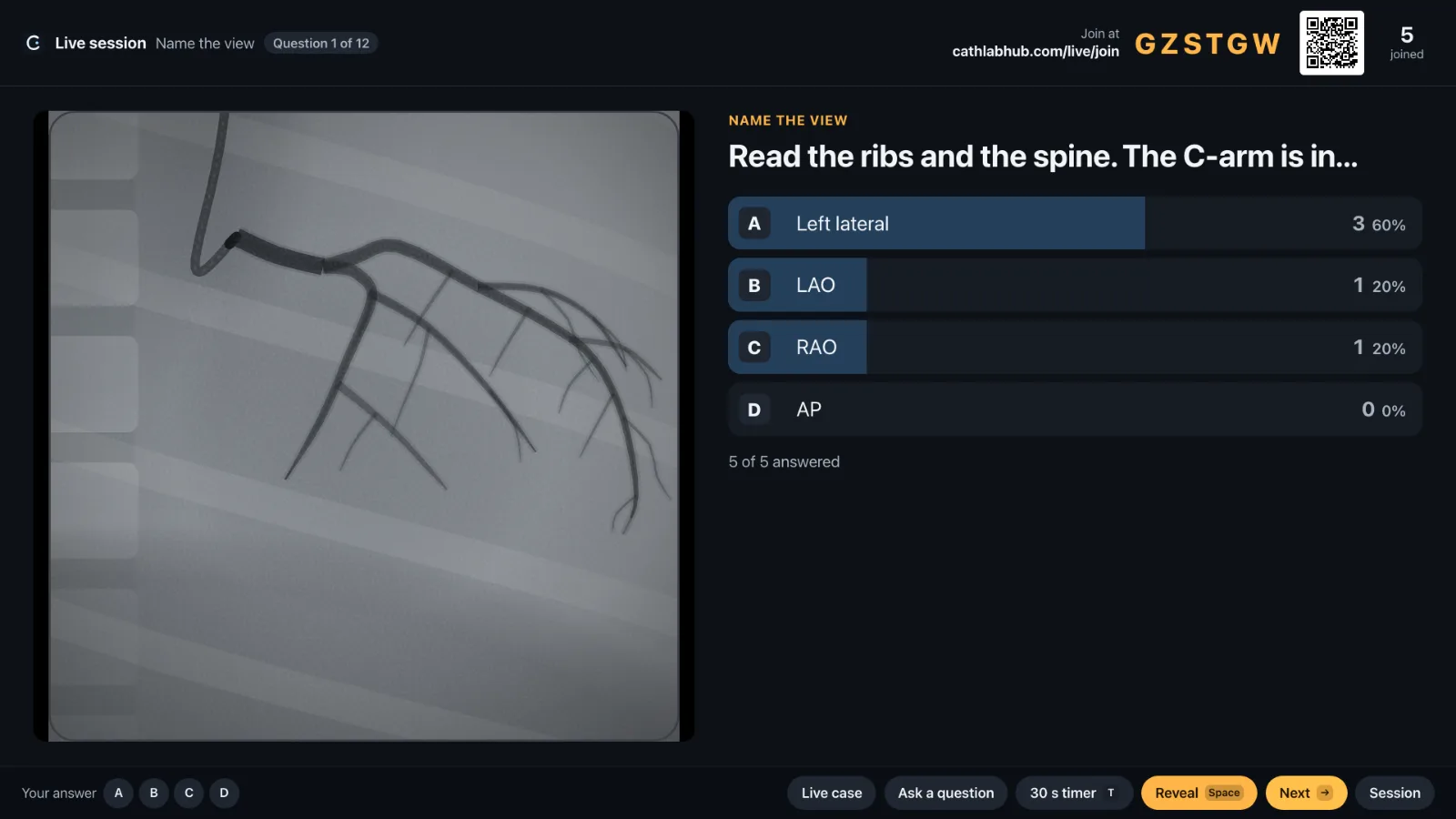
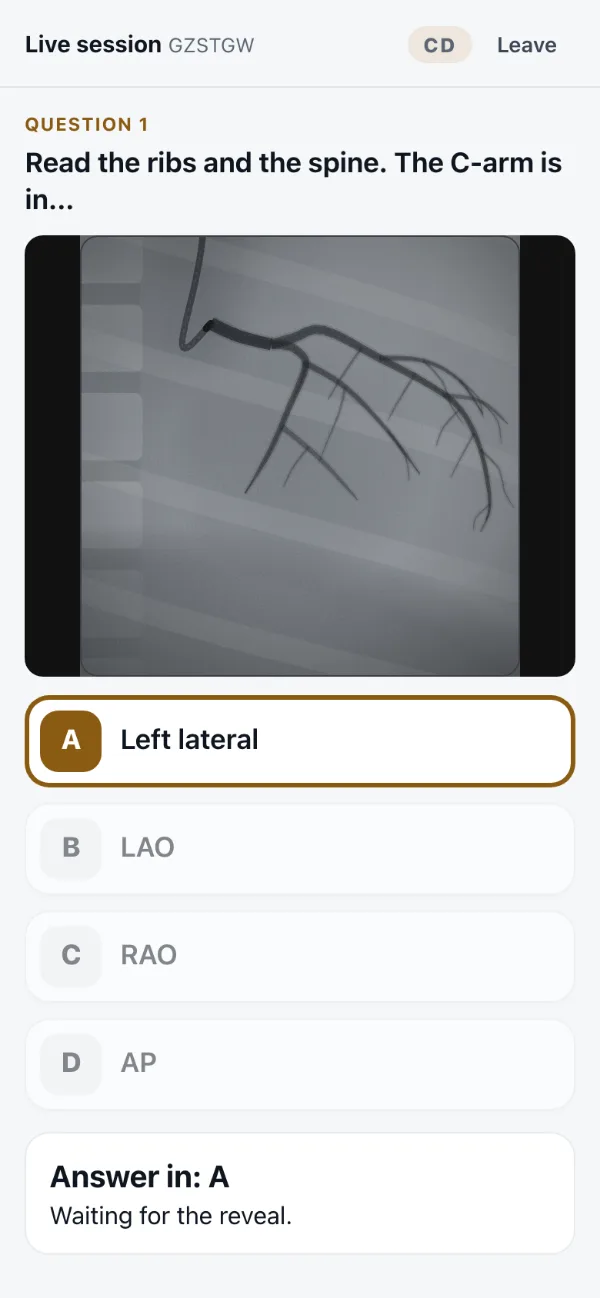
Put a question on the projector and the room answers from their phones. The tally fills in as answers arrive, then you reveal the answer and the explanation.
Start a session
How it runs
- Open this page on the projector laptopChoose a set and start. The screen shows a six letter code, the join address and a QR code.
- The room joinsEach fellow opens cathlabhub.com/live/join (or scans the code) and types the code and their initials. Initials only, two to four letters.
- Ask, watch, revealEach question shows its image and options. Answers tally live; pick your own answer from the bar at the bottom, then reveal. Phones show whether they were right.
- Live cases and your own questionsWith the angiogram on the lab's screen, push a template (which view, which vessel, severity, TIMI flow and more) or type a question with up to five options or a free text answer.
- Summary and exportAt the end: percent correct and agreement with you per question, an optional leaderboard, and a CSV of every answer to download.
On the projector
Keyboard
- Space reveal the answer
- → next question (reveals first if the answer is still hidden)
- T start a 30 second timer
- 1 to 8 lock in your own answer without showing it
- F full screen
PrivacyFellows give initials only. The session, its answers and the initials are deleted within six hours; nothing is kept on the phones after the tab closes.
If the laptop reloadsThe session comes back in the same tab. A new tab or another laptop starts a new session.